Forumuose su bbcode editoriumi praktiškai yra atsisakoma tiesioginio foto įkėlimo į pranešimą. Vietoje to Jūs naudojate kažkur patalpintos foto nuorodą. Tai nėra blogai, kol tas išorinis serveris dar veikia. Noriu parodyti kaip galima įkelti foto mūsų forume.
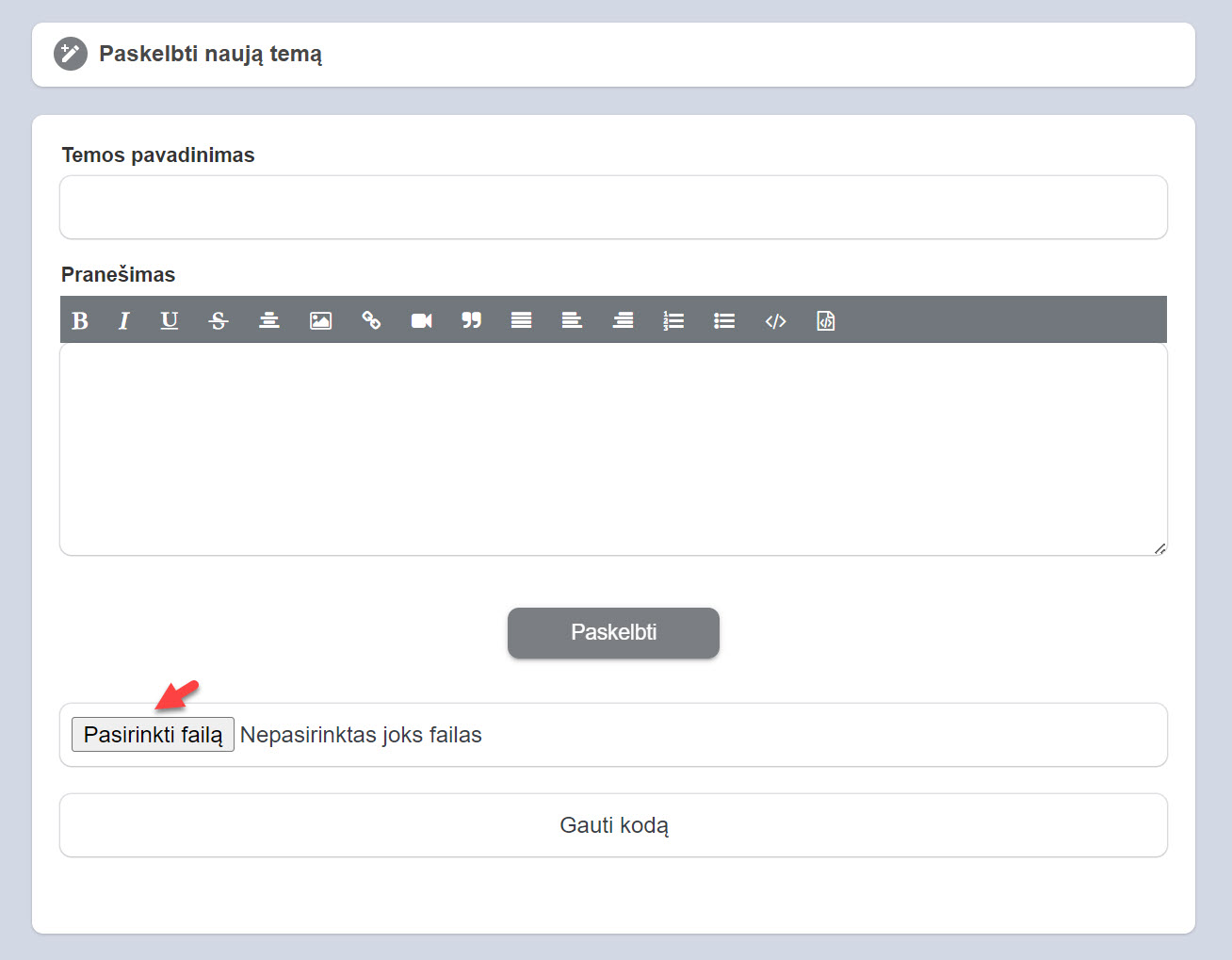
Pasirenkame foto iš savo kompiuterio
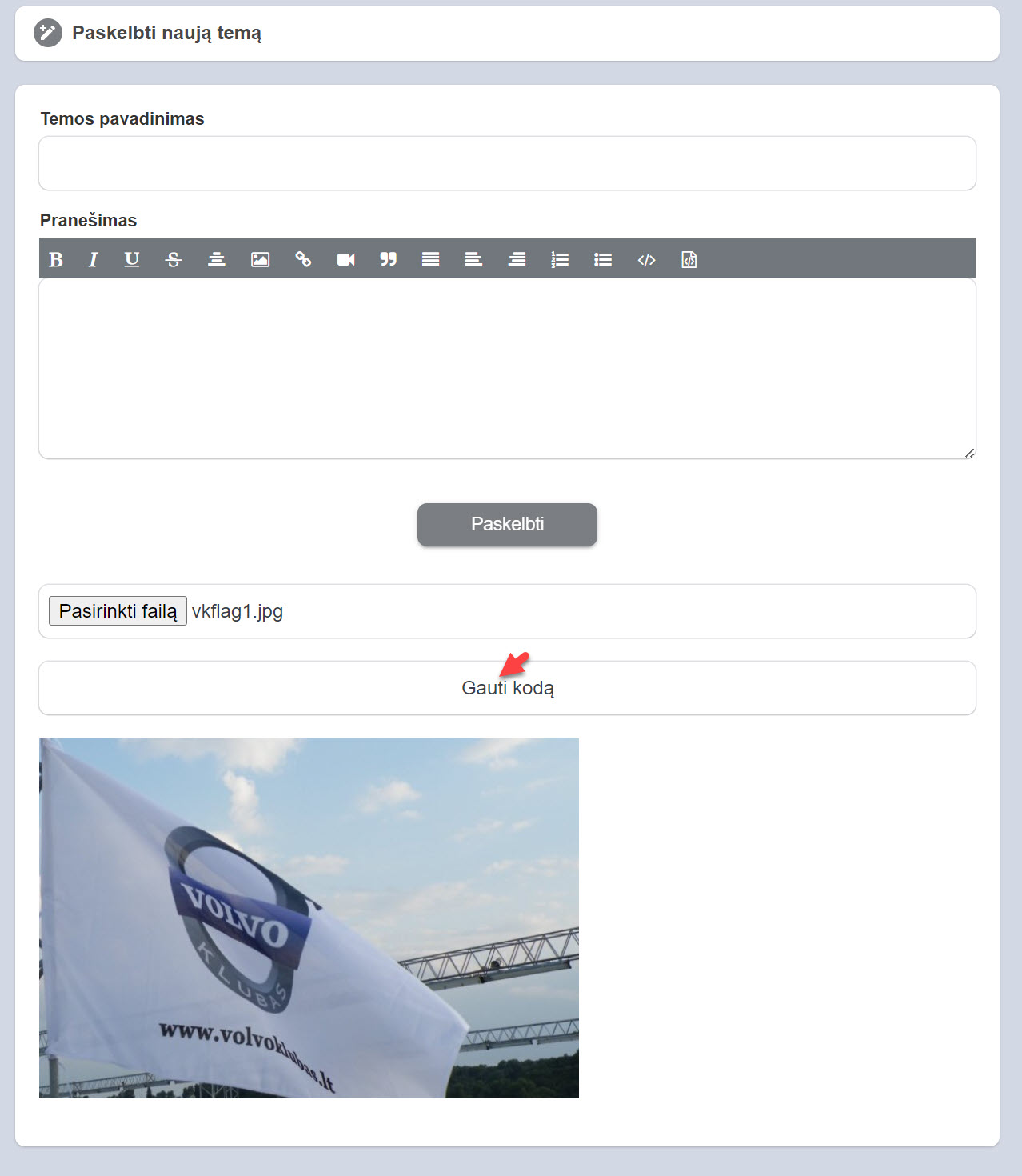
Spaudžiame gauti kodą (upload)
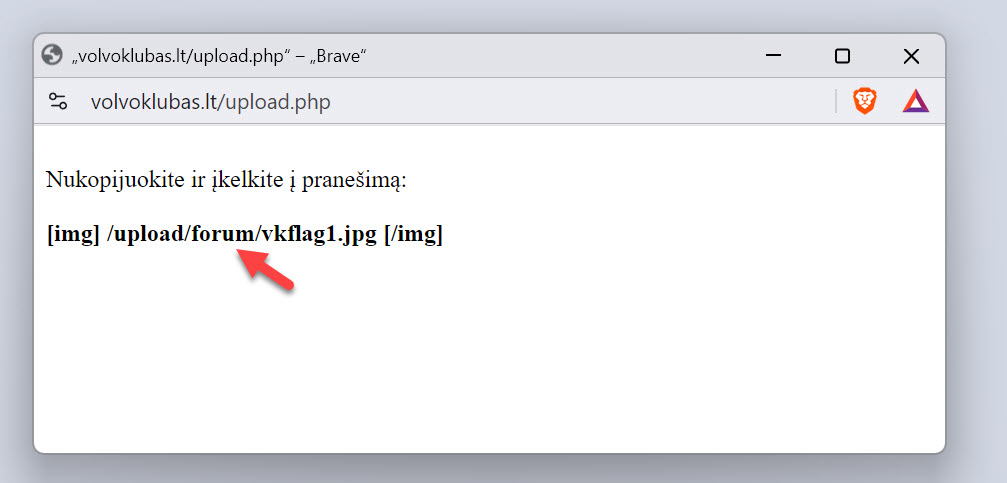
Atsiveria popup langelis, nukopijuojame nuorodą
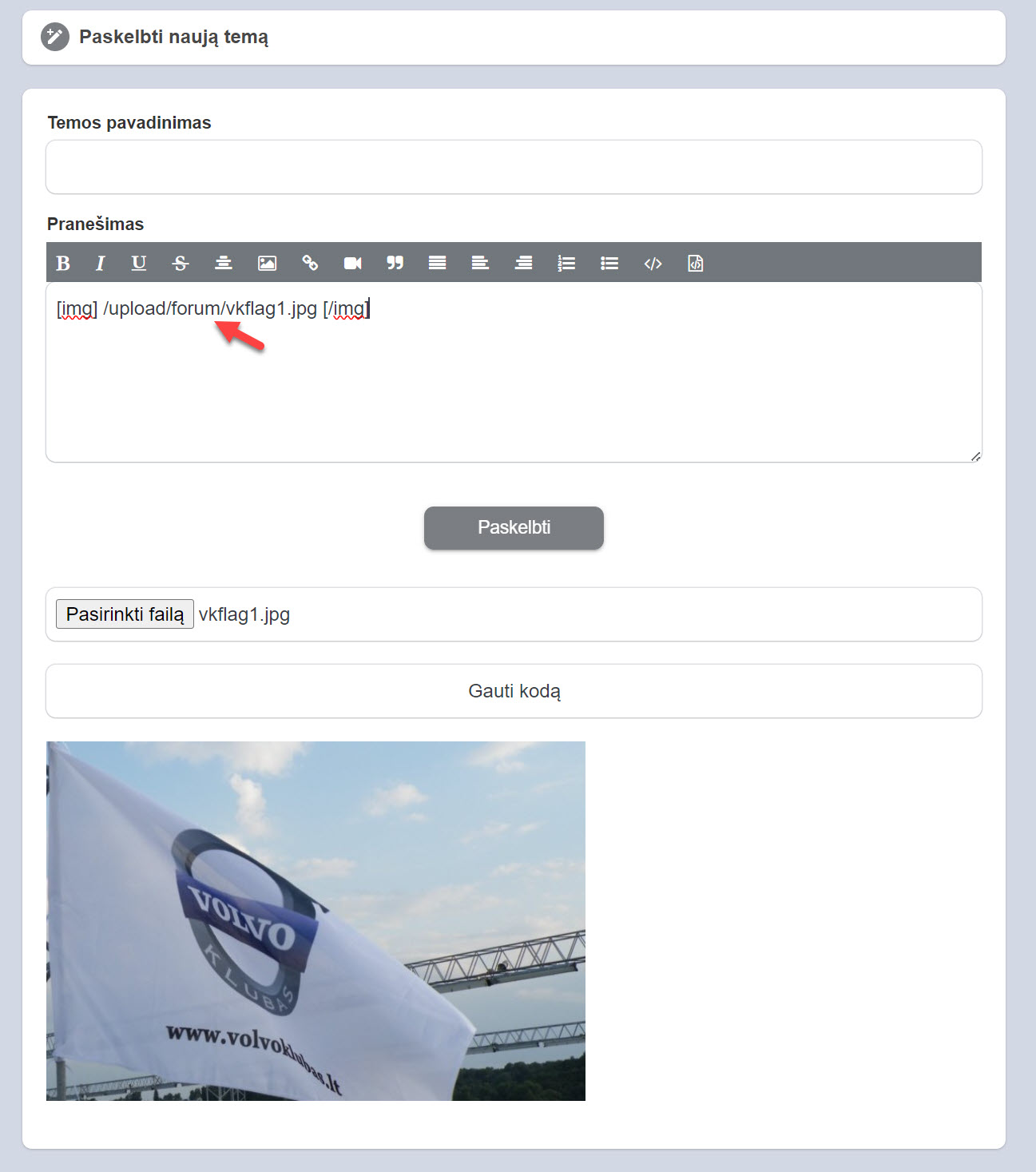
Nuorodą patalpiname pranešimo langelyje. Štai ir viskas. Spaudžiame paskelbti, prieš tai įrašę temos pavadinimą ir papildę pranešimą tekstu.
Naikinti pranešimą
Ar tikrai norite panaikinti šį pranešimą ?
Pasidalinta!
Pranešta.
Post was successfully added to your timeline!
You have reached your limit of 5000 friends!
File size error: The file exceeds allowed the limit (46 MB) and can not be uploaded.
Your video is being processed, We’ll let you know when its ready to view.
Unable to upload a file: This file type is not supported.
We have detected some adult content on the image you uploaded, therefore we have declined your upload process.
Pasidalinti grupėje
Share to a page
Share to user
Your post was submitted, we will review your content soon.
To upload images, videos, and audio files, you have to upgrade to pro member. Upgrade To Pro
Edit Offer
Add tier
Delete your tier
Are you sure you want to delete this tier?
In order to sell your content and posts, start by creating a few packages. Monetization
Pay By Wallet
Delete your address
Are you sure you want to delete this address?
Remove your monetization package
Are you sure you want to delete this package?
Unsubscribe
Are you sure you want to unsubscribe from this user? Keep in mind that you won't be able to view any of their monetized content.
Remove your monetization package
Are you sure you want to delete this package?
Payment Alert
You are about to purchase the items, do you want to proceed?